
Newsletter
What's new around Bloons TD X2 — game releases, launcher releases, posts and devlog videos — in one place. Leave an e-mail to hear about the big ones.
What's new
- Launcher Launcher v0.9 — launcher release
- Studio pane parity with the terminal: full tool calls with expandable results, a thinking toggle, AskUserQuestion cards, nested subagent (Task) calls, a status line with context/plan facts and light markdown
- The studio box is always typable - queue a message while Kong is still working
- Esc interrupts a turn, Ctrl+L clears, and
/opens the skill helper - Every studio session is written to claude\studio-log\<session>.md as it happens
- Open this session in terminal (and Take it back here) to continue the same Kong session in a console
- Dock the game beside the studio, with an auto-dock setting
- Sprite assist: per-category art-style prefaces, base sprite tiles, Remix with Grok, Add to project
- File a bug report straight from the launcher
- New commits default to your <id>+<login>@users.noreply.github.com identity, and Credits opens the site
- Launcher Launcher v0.8 — launcher release
- Kong Studio now lives inside the launcher window: chat with Kong, allow or deny his tool calls, Build & play and Reload with changes from the side column ("Open in terminal" keeps the console option)
- One launcher window per folder: a second launch brings the running one to the front (and says so when Kong Studio is open)
- Save management from the game's cloud button: back up now, copy into another slot, or relaunch in a different save — saves are tiles everywhere, no dropdowns
- "Create new Gamma Release" beside the β flag: play-test attestation, suggested tag, then Kong runs /release and sends it up for review on bloons-tdx2.com (--build-release / --submit-release)
- build.json beside every installed game so in-game bug reports know their commit; the game's news mark is fed from bloons-tdx2.com
- Release-build warning reworded; the launcher page is now bloons-tdx2.com/launcher; the release catalogue reads even when double-wrapped; publishing tells the website
- Launcher Launcher v0.7 — launcher release
- Fixes Play doing nothing when your save folder was a real, never-adopted folder (the Adopt prompt was being swallowed)
- Timeline dots now colour by state: green = built & playable, pink = favourite (grey outline = not built yet)
- The game's console output now streams into the launcher log while it runs
- New "Release build & play": an optimized, debug-stripped build for extra performance (with a heads-up that it has no in-game bug reporting)
- Accounts is now a guided Device setup: numbered steps with status dots, one-click installers for Claude Code and the Grok CLI, sign-in buttons and links for every account you need
- Kong Studio branches now start from the official new-engine line (not GitHub's master), with an offer to move a studio branch that was cut from the wrong base
- The release browser reads the catalogue again (it was published double-wrapped and showed nothing)
- Launcher Launcher v0.6 — launcher release
- Release browser: fixed-height layout (it could inflate taller than the window)
- Version button wears a red ! when a newer launcher is waiting, and opens on that release
- "N new" badge now acts: click selects the newest version, scrolls there, clears the badge
- Timeline marks your last-run and last-built versions with pills by the date column
- A release the auto-updater already downloaded offers Switch instead of a second download
- Launcher Launcher v0.5 — launcher release
- Disk management: "Old versions" dialog for gm runtimes (sizes, select-all, warnings when a favourite still pins one, delete-anyway allowed) + clear-cache buttons showing predicted and actual freed space
- Updates go hands-off: a newer launcher pops up, installs itself in the background, then offers "Switch to Newer Launcher" / "I'll reload later"
- GitHub sign-in shows the code big with one "Copy auth code and open github.com" button, and fixes a credential bug that could break quiet git auth
- Grok is CLI-first like Claude (Grok Build detection + its own login); API key stays as the headless sprite-edit fallback
- New launcher icon (game bloon + console badge), taller logo with green LAUNCHER (click = bloons-tdx2.com), "Open repo on GitHub" in the repo picker, Kong Studio monkey, README screenshot
- Launcher Launcher v0.4.1 — launcher release
- Accounts button shows a red attention badge; Grok counts as missing unless marked "Intentionally Absent" in Accounts
- Click the logo to open bloons-tdx2.com; the repo picker gains "Open repo on GitHub"
- Launcher Launcher v0.4 — launcher release
- Self-contained GameMaker build tools: one access-key setup, no IDE install (gm folder)
- Kong Studio: King Kong the Monkey Commander (Claude) in your own branch, with in-game Show Claude / Reload-with-changes / commit tools
- Connect Accounts panel: GameMaker, GitHub sign-in, Claude, optional Grok sprite assist
- Branch sharing + the hive learning loop (/learn, /learn-from-transcripts) with local-first lesson review
- Shared stable/major metadata with maintainer permissions and suggestion PRs; changelog generators
- Per-version GameMaker runtime pinning; GameMaker + Claude Code update notices with changelogs
- Game-logo top bar in two rows; opens maximized; this release browser (update, roll back, downgrade warnings)
- Disk panel now counts GM build tools and Claude/studio space
- Release Gamma 1.7 — game release
Gamma-1.7 - Release Gamma 1.6 — game release
Gamma-1.6 - Release Gamma 1.5 — game release
Gamma-1.5 - Video
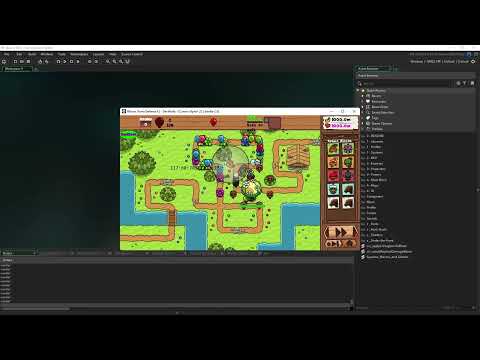 Bloons TDX2 - Gardening Blimp — video on YouTube
 - Video
 Basic Entity Component System Prototype — video on YouTube
 - Video
 Hot Reloading Prototype - BTDX2 Devlog — video on YouTube
 - Video
 (Sound Warning) Dart M4 Hyper-speed test – BTDX2 Devlog — video on YouTube
 - Video
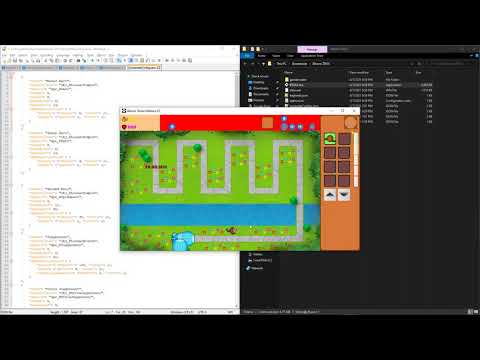 JSON Based Projectile Definitions – BTDX2 Devlog — video on YouTube
 - Video
 Dart M3, 4, & 5 against Moab blimp – BTDX2 Devlog — video on YouTube
 - Video
 Visual Number Compression - BTDX2 Devlog — video on YouTube
 - Video
 Dart L5 with Explosive Darts — BTDX2 Devlog — video on YouTube
 - Video
 Clippy, the Merchant of Deflation - BTDX2 Devlog — video on YouTube
 - Video
 Popping and Projectile Optimizations – BTDX2 Devlog — video on YouTube
 - Video
 Dev Console - BTDX2 Devlog — video on YouTube
 - Video
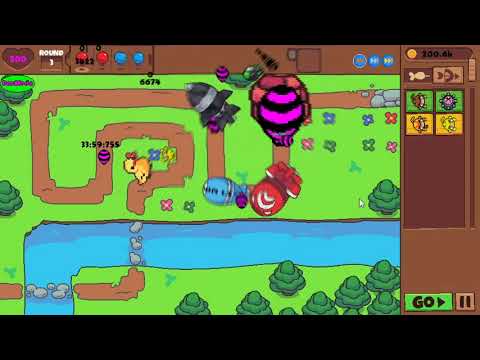 Duck Monkey - BTDX2 Devlog — video on YouTube